List your venue on BrowseCamp
Reach esports teams looking for a gaming house, gaming center, or bootcamp facility — and manage your listing, bookings, and payouts from one dashboard.
List Your VenueWhat great listing photos show
Teams decide from your photos. Lead with where they’ll train, then show where they’ll live — sharp, level, in daylight, and at least 1600×1067 (2400×1350 or larger for the cover).

1Your stations
Each setup up close — screen, keyboard, chair — so teams see the hardware.

2The details
Peripherals and finishes. Small things tell teams the setup is cared for.
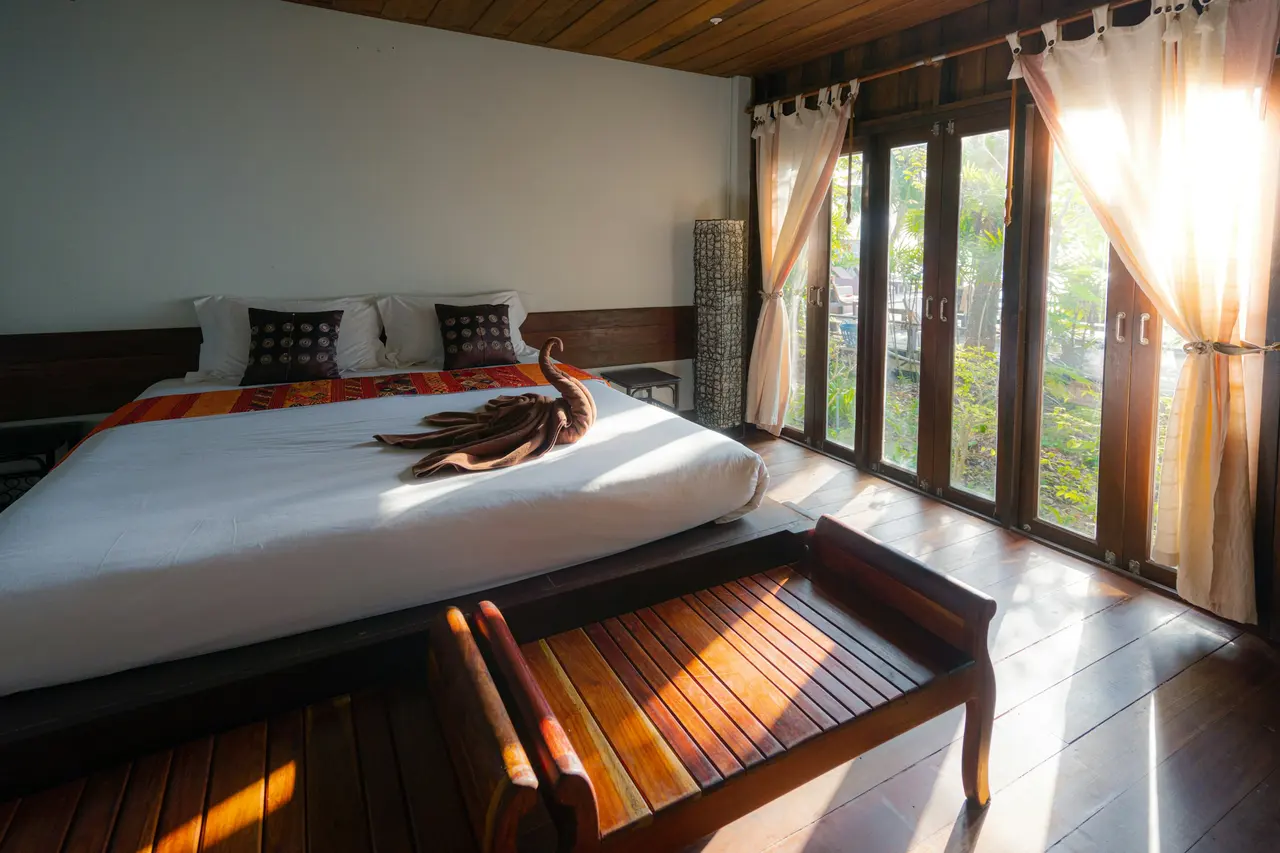
3Bedrooms
Beds made, in daylight, shot from the doorway so the room reads at a glance.

4Shared spaces
The kitchen and lounge — where the team eats, reviews and recovers.


Example photography — licensed stock, not BrowseCamp venues. Photos: Roberto Nickson on Unsplash · Bedirhan Gül on Unsplash · Sasha Kaunas on Unsplash · Cat Han on Unsplash
Why host on BrowseCamp
Reach esports teams
Get discovered by teams actively searching for a place to train and compete.
Control your listing
Set your own price, availability, and amenities — update them anytime.
Secure payouts
BrowseCamp pays you your full listed price by bank transfer, in SAR, after the team’s payment succeeds.
Manage bookings easily
Review requests, message teams, and track your calendar from one dashboard.
How it works
List your venue
Add your venue’s details, photos, PC setup, and availability.
Get booked
Teams find your listing and send booking requests you can accept or decline.
Get paid
BrowseCamp pays you your full listed price by bank transfer, in SAR, after the team’s payment succeeds.
Frequently asked questions
How do I get verified?
After you submit your listing, our team reviews it — including proof of ownership — before it goes live.
Is there a commission?
BrowseCamp adds a transparent platform fee to what the team pays, shown to them at checkout. Nothing is deducted from your price: you are paid the full amount you list.
When do I get paid?
BrowseCamp pays you your full listed price by bank transfer, in SAR, after the team’s payment succeeds. Each transfer is made by the BrowseCamp team, and you can follow it in your Payouts tab.
Ready to list your venue?
Create your host account and add your first listing in a few minutes.